How to make your invitation video
Everything happens on your phone, in one chat. These are the real screens, shown with a sample family.
Make your invitationSix steps
Step 1
Start your invitation
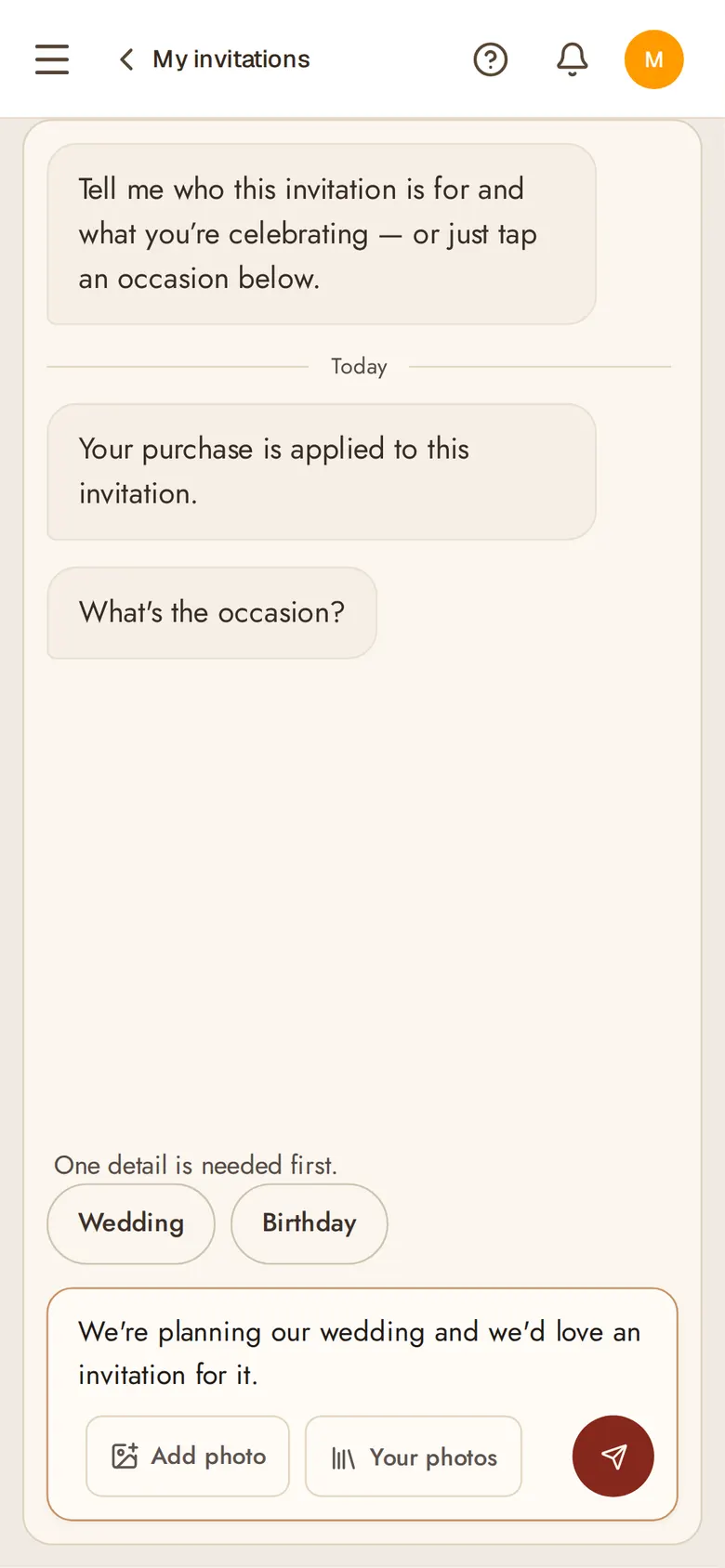
Sign up, and pay once before you start. Then the chat opens: tell it the occasion in a line, in your own words.
Step 2
Add the details
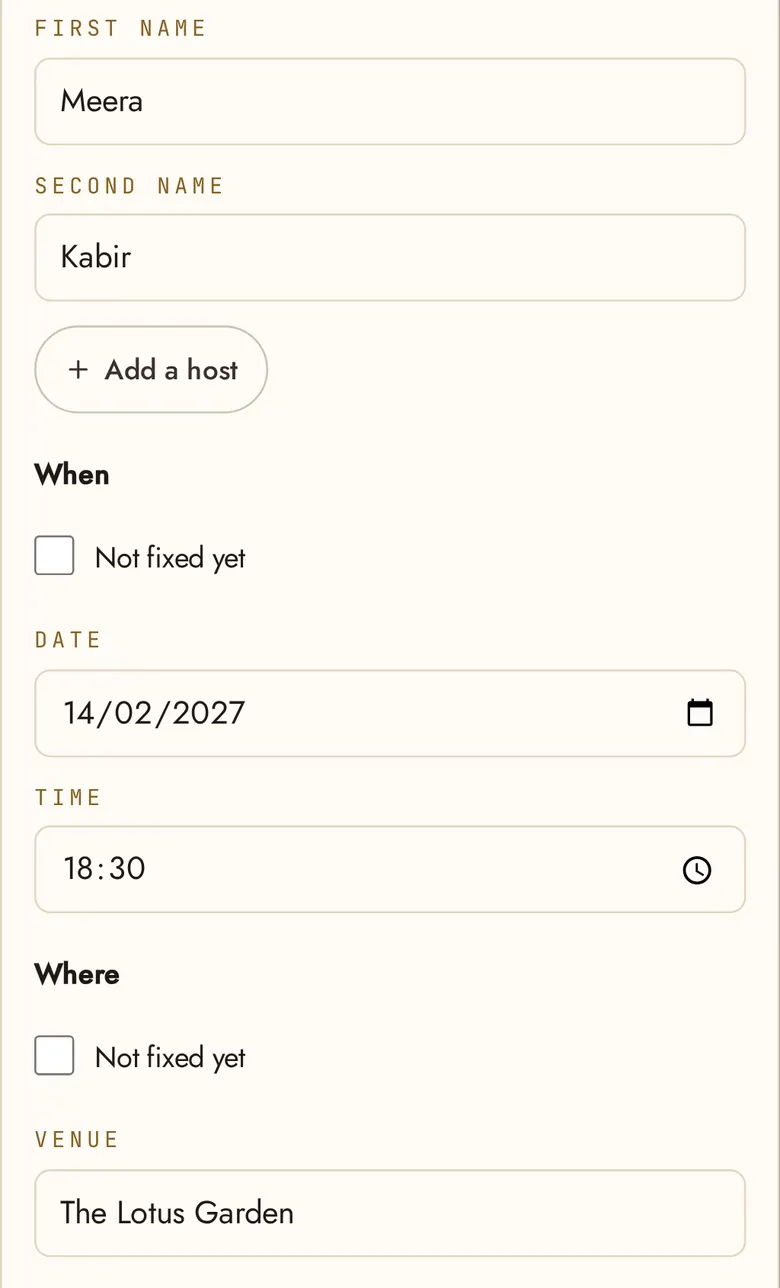
Fill in the names, the date, the time and the place. The chat then suggests the words for your invitation, and you choose whether to use them.
Step 3
Choose a song, or not
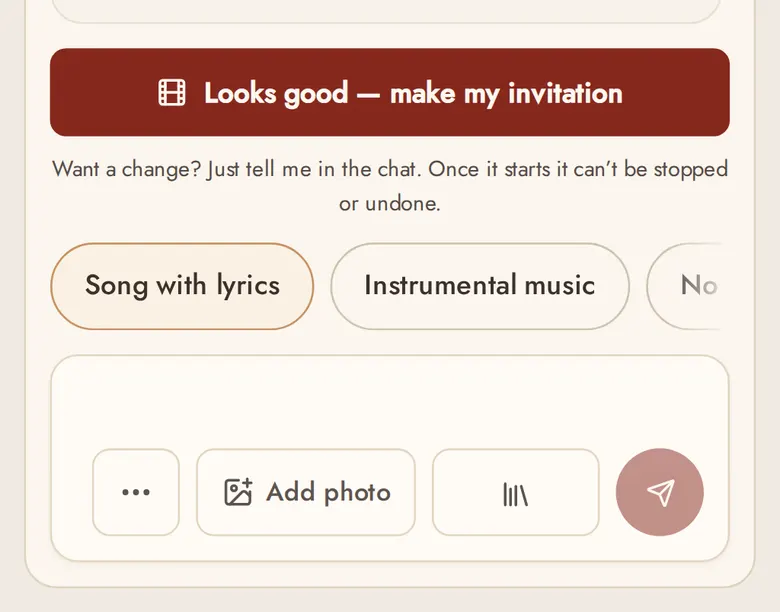
A song with lyrics, instrumental music, or no music at all: you choose. The chat asks once the first pictures of your invitation are drawn.
Step 4
See your invitation
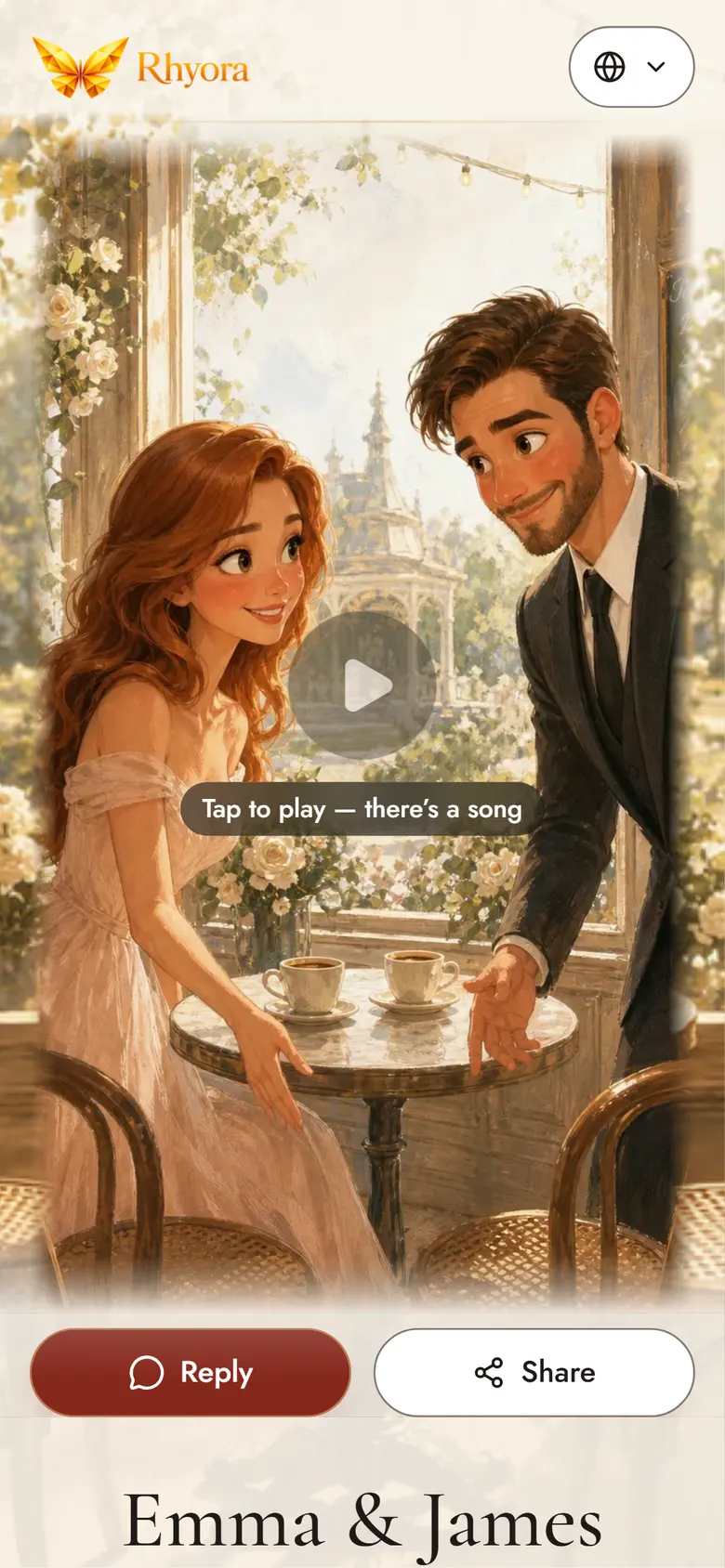
You look over its pictures and tap “Looks good” before the film is made. Then your invitation plays as a short animated film, made for your family.
A sample invitation Step 5
Share one link
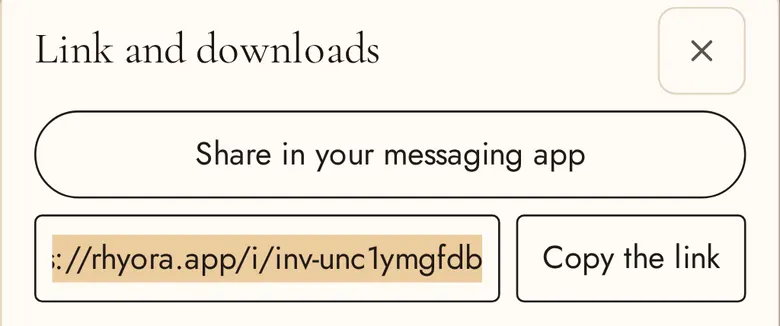
When it’s ready, tap Share. Send the one link in your messaging app, or copy it into any chat. Guests open it on their phone, with no app to download.
Step 6
Read the replies
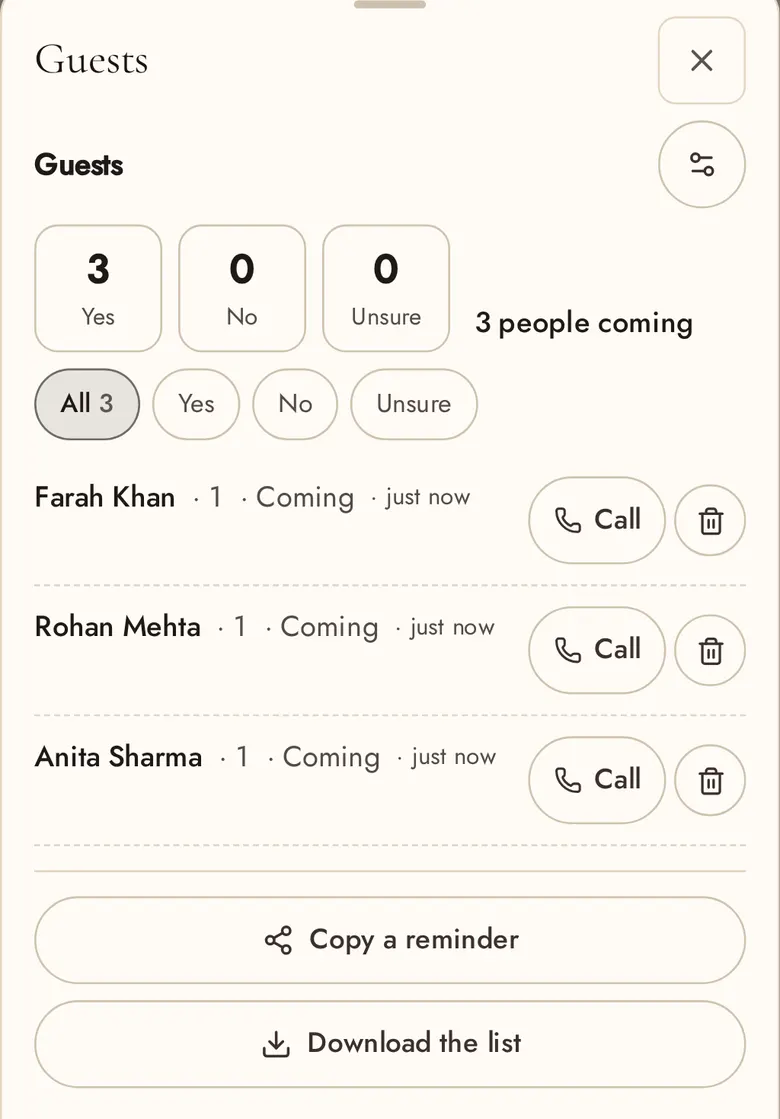
Guests reply on the invitation itself: coming or not, and how many. Every reply is on your Guests page.

Showcase invitation
Stories that became invitations
Edited showcase film with its song. Open the invitation for the full guest experience.